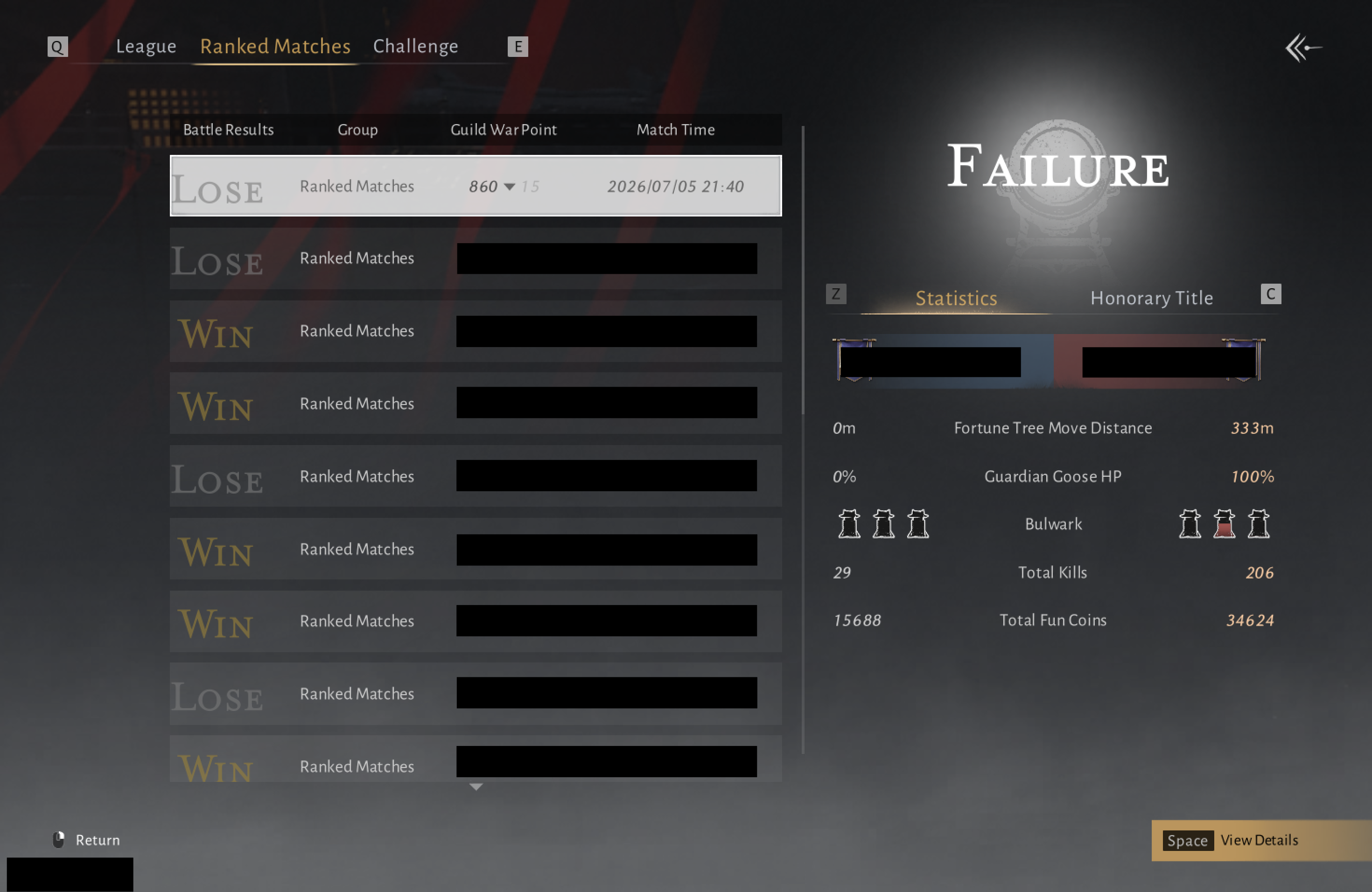
1 screenshot
Summary
Where Winds Meet Guild War Reports
Detailed battle reports. Long-term Guild analysis. Individual Player performance. Jianghu Connect turns Where Winds Meet screenshots into a connected view of competitive performance, from a single battle to an entire war history.
3 free reports. Guild analytics included. No card required.
Sample battle comparison
Two Guilds. One battle. A detailed comparison.
Battle metrics, Guild trends, and Player contributions, connected through recorded Guild Wars.
Guild War Report
Analyse both sides of the battlefield with side-by-side metrics, full rosters, and individual contributions. Organise Players into private Functional Teams to review performance within their assigned tasks.
Explore Sample Guild WarFictional report preview
Recent form
Jade VanguardRoster readiness
Role Composition Trends
Guild Analytics
Move beyond isolated results. Track recent form, compare battle margins, and examine roster participation and role composition across the reports available to your Guild. Guild analytics are included on Free.
Explore Sample Guild AnalyticsPlayer Analytics
Assess contributions beyond a single ranking. Follow performance trends and compare results across assigned Functions, with a recorded battle history that gives each Player's numbers context.
The sample includes advanced Player analytics. Free includes your performance summary and Recorded Wars; advanced access is personal, not Guild-wide.
Explore Sample Player AnalyticsPlayer performance
Ashen CraneBest recorded fit
Attack · Top23% above this Player's overall baseline.
Growing evidenceGuild contribution
How it works
One Guild representative can get started. Your whole roster does not need to register first.
Sign in with Discord and submit your Player and Guild details together. Verification and Guild Admin access are required to upload.
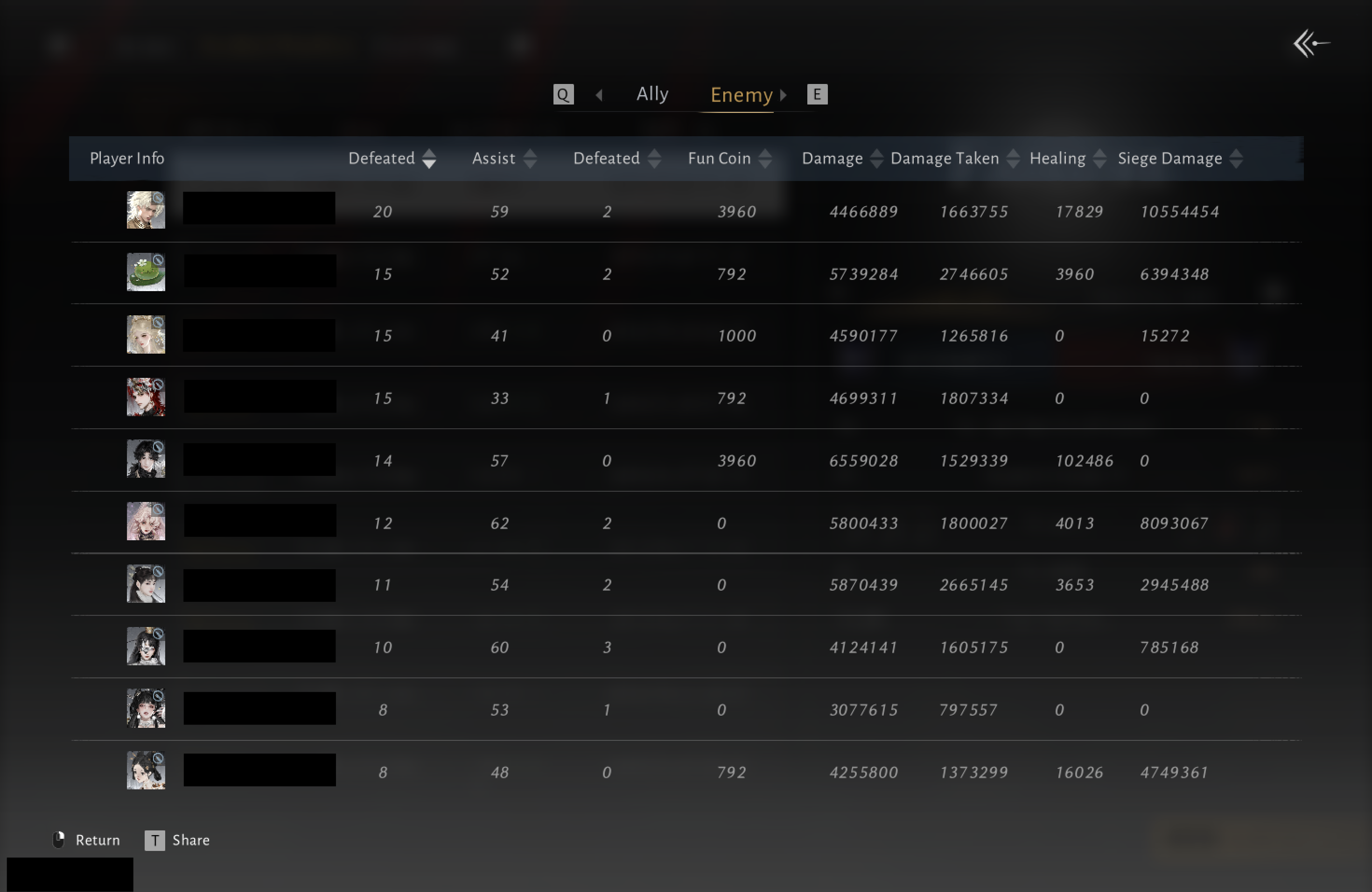
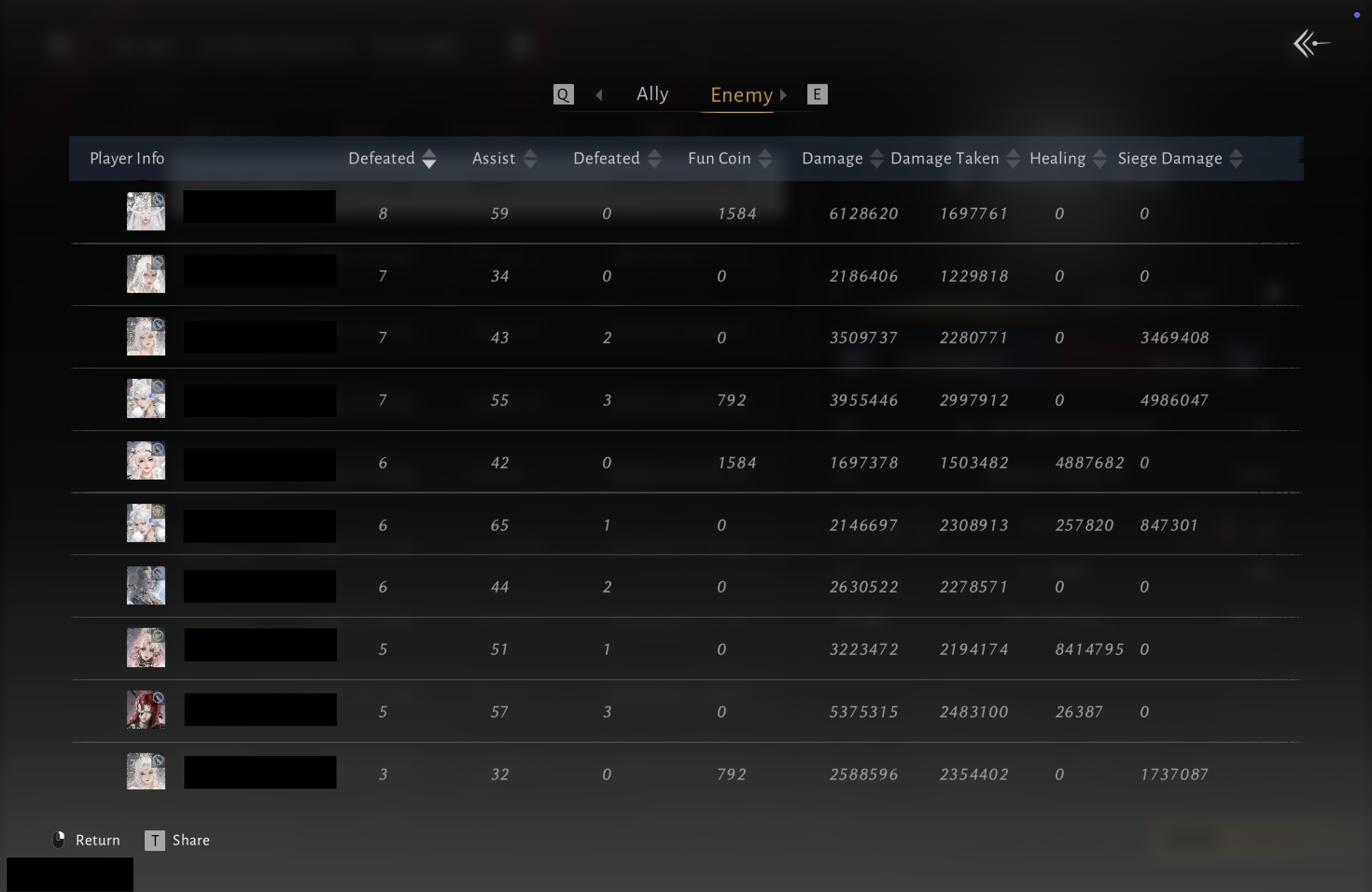
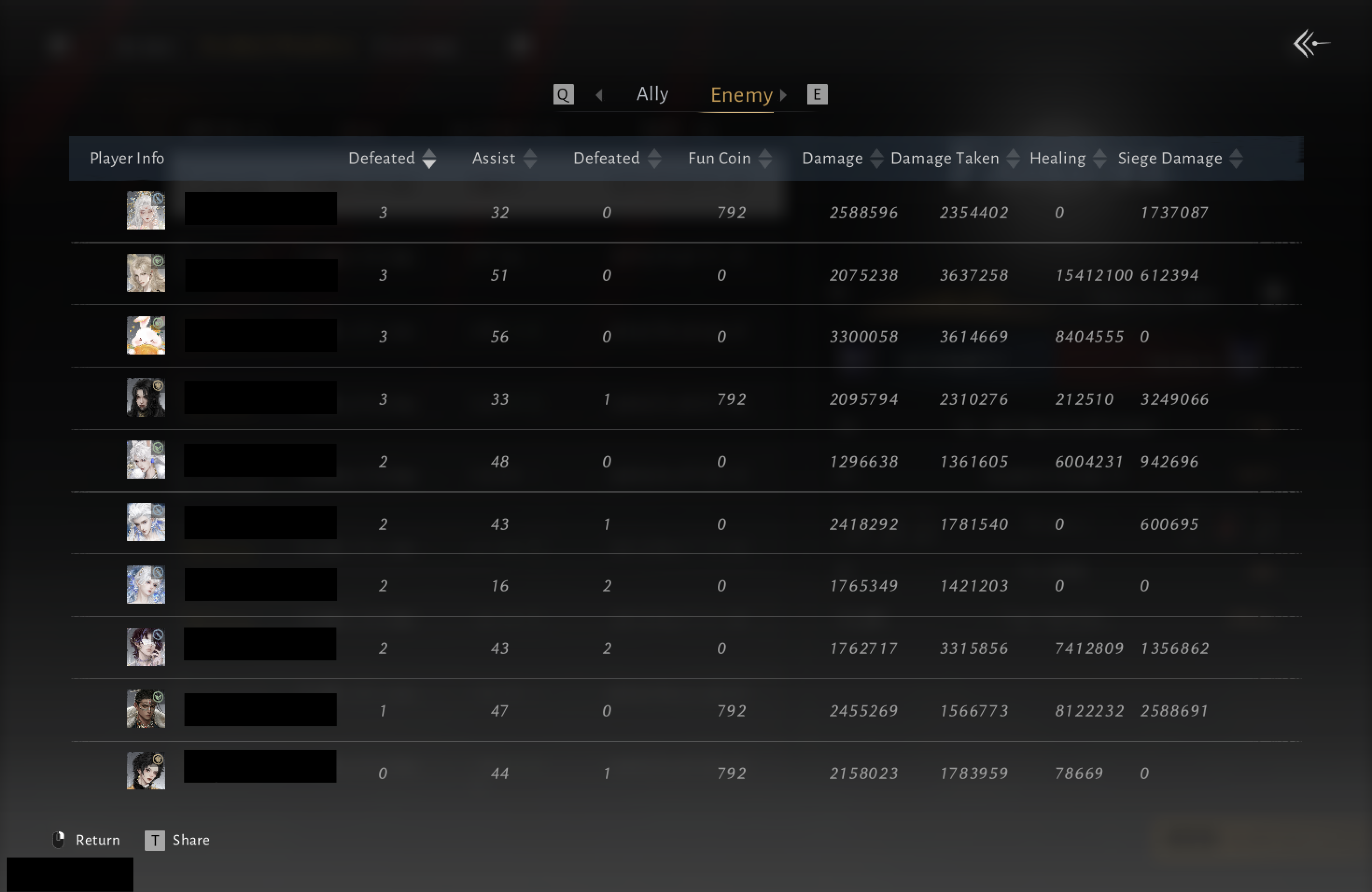
Add the summary and complete ally and enemy roster screenshots. Follow progress in your Guild's Processing Queue.
Screenshots are processed into battle data. Some submissions need Platform review before publication. Once published, explore the report and add your Functional Teams.
Use desktop screenshots: one summary and all ally and enemy roster pages. Mobile screenshots are not supported.
1 screenshot
Complete sequence
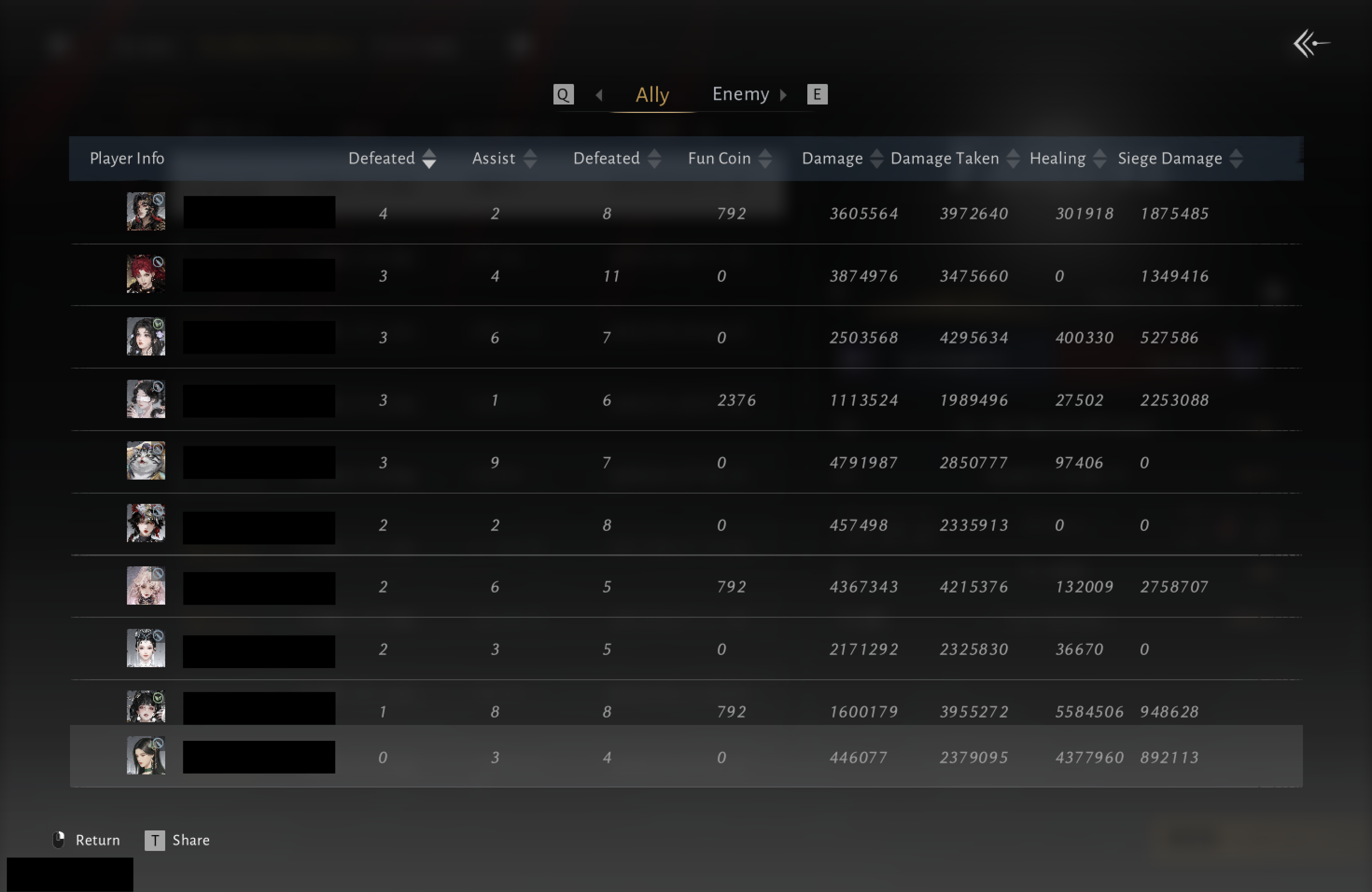
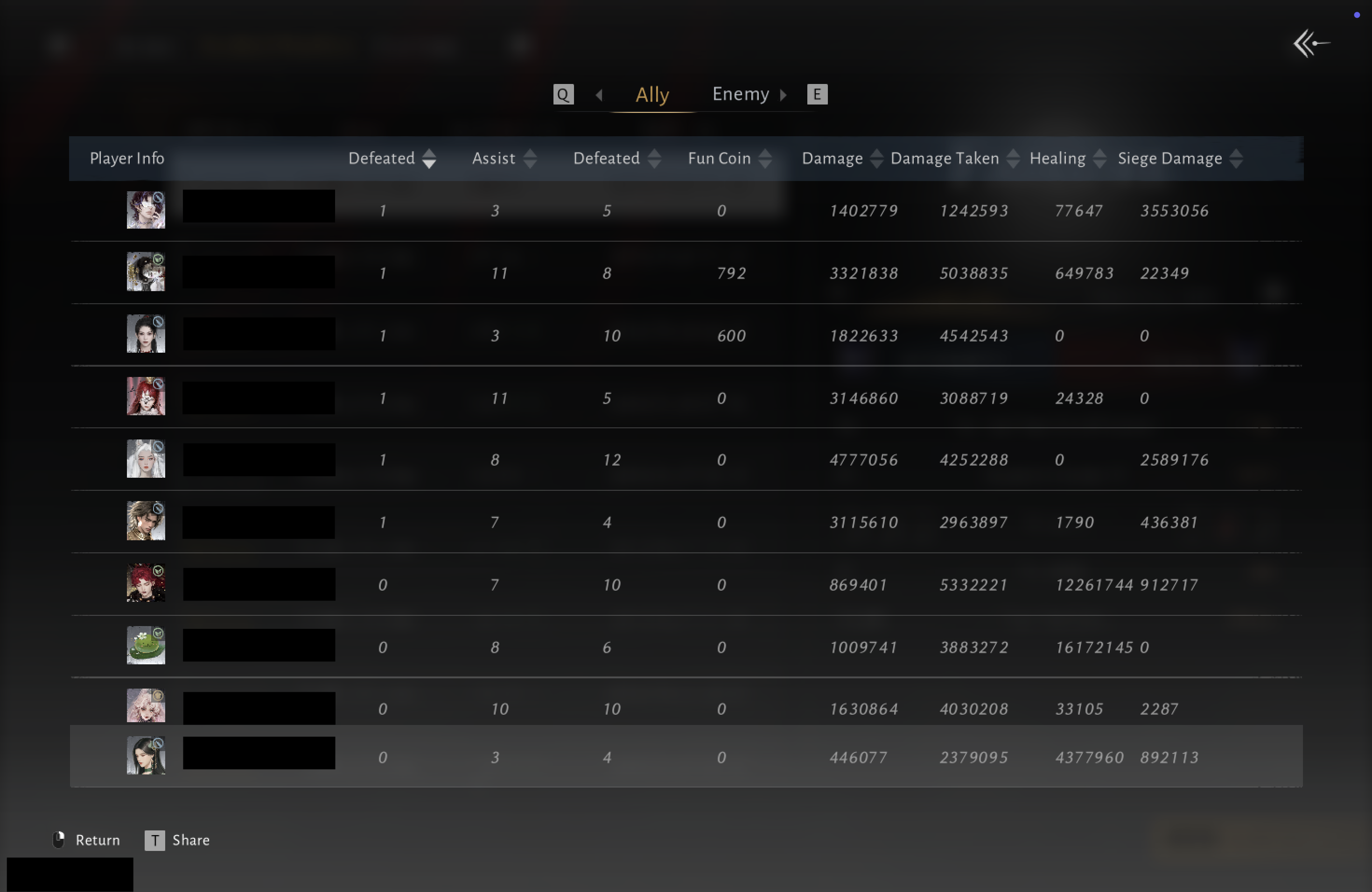
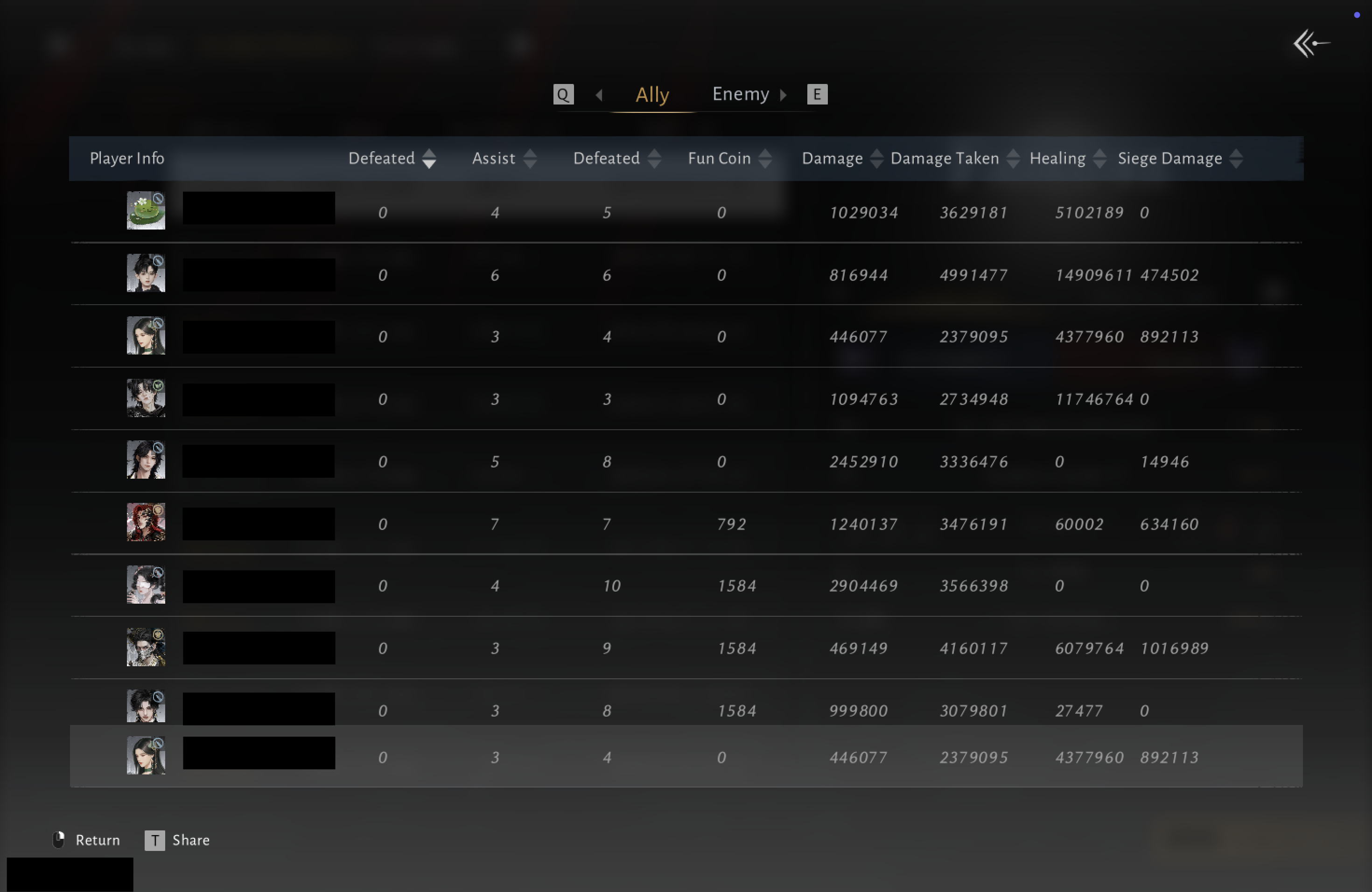
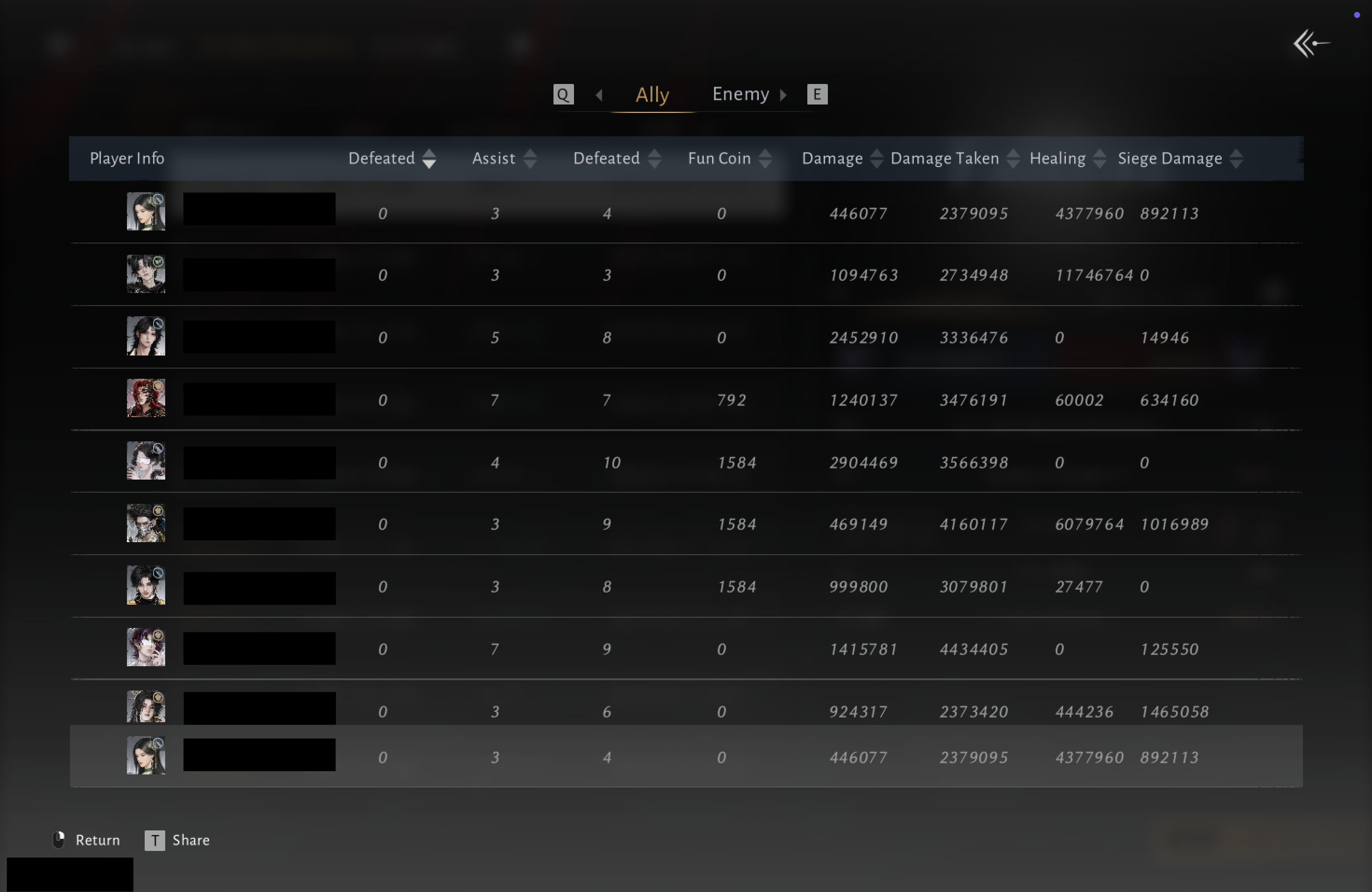
Complete sequence
Guild Discovery
Look up your Guild by name, or browse Guild War activity, battlegroups, schedules, and shared roster needs.
A competitive roster balancing disciplined Guild War play with a welcoming community.
An active Guild looking for reliable Players who enjoy organised rotations and reviewed battles.
A growing Guild focused on teamwork, clear roles, and steady improvement.
Built for competitive Guilds
Bring detailed reports, Guild trends, and Player contributions into every post-battle review. Start with free reports and build a performance record that lasts beyond the final score.
70+
Guild Wars
60+
Guilds
1.9K+
Players